

Email marketing is one of the most reliable ways to drive sales. Its advantage is that you can customize its strategy for specific audiences. Emails allow automation, feedback, and increased sales.
Email marketing automation tools help you send targeted and automated messages. They ensure your campaigns reach the right people and save time. Mac users can boost their email campaign returns when they pick the right automation tool. Most of these tools run in the browser, so they work on any Mac, including MacBook Air and Pro. Here are the 8 best email marketing automation tools for Mac in 2027.

Quick Comparison of the Best Email Marketing Automation Tools for Mac
| Tool | Best For | Free Plan | Learning Curve | Works on Mac |
| GetResponse | Small and mid-size businesses that want email, webinars and automation | Free plan available | Medium | Yes (browser) |
| Constant Contact | Startups and beginners | Free trial | Easy | Yes (browser) |
| Omnisend | Online stores (Shopify, BigCommerce) | Free plan available | Easy | Yes (browser) |
| Marketo | Large enterprises with big lead pipelines | No (custom quote) | Hard | Yes (browser) |
| Salesforce Marketing Cloud | Big brands that market on many channels | No (custom quote) | Hard | Yes (browser) |
| Mailchimp | Beginners and small businesses | Free plan available | Easy | Yes (browser) |
| Brevo | Budget-friendly email and SMS campaigns | Free plan available | Easy | Yes (browser) |
| ActiveCampaign | Advanced automation and CRM | Free trial | Medium | Yes (browser) |
The role of email marketing software on Mac
Email marketing workflows consist of many components. Teams plan, share tasks, and create content. This content is distributed on multiple platforms. It may include welcome emails, engagement messages, lead generation, and onboarding emails. These messages, including abandoned carts and product recommendations, are hard to manage.
The email tools provide different user experiences. It’s possible to try them out to identify the one that best fits you.
Online marketing software eases the burden off the marketer’s shoulders. It takes away the manual and repetitive tasks from them. These tools automate the tasks and personalize the messages. They organize the CRM and segment contacts, niches, and demographics.
The apps track leads throughout the pipeline and send relevant messages in each phase. Using them eliminates mistakes and boosts email efficiency. Mac users should use tools that provide them with advanced and unique features. These tools should make e-marketing effortless and productive.
8 Best Email Marketing Automation Tools for Mac in 2027
1. GetResponse
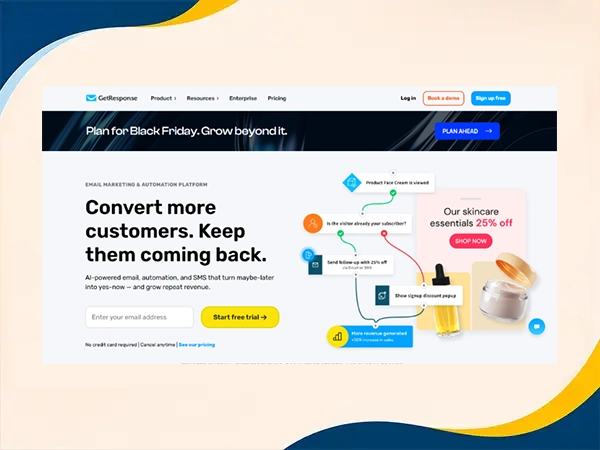
Best for: small and mid-size businesses that want email, automation and webinars in one tool.
GetResponse lets marketers manage and send emails to their audiences. It has an array of features that make this happen. This tool increases productivity by automating workflows. It helps create tailor-made content to increase engagement. The learning curve is a little steep for beginners, but it is easy to pick up with some practice. This subscription-based platform provides the following features.
- Market segmentation. The tool groups recipients based on age, purchasing power, industry, and more. It helps send customized emails for each segment.
- Email builder app. The email-building app on this platform makes creating emails easily. It contains templates and a drag-and-drop feature to help create messages in seconds.
- Analytics capability. This app generates data and analytics after each campaign. It lets you view the campaign’s successes and failures.
- Automation tool. The platform automates most of your tasks and workflows. It launches campaigns, replies to queries, and does follow-ups.
2. Constant Contact

Best for: startups and beginners who want an easy, affordable tool.
Constant Contact best fits micro-enterprises and startups. It provides every tool you need for marketing success. The software has hundreds of customizable templates for creating emails. It’s possible to use different templates for each market segment or industry. Each template contains a predesigned message with a unique style and tone.
It lets you manage contacts and segment them with tags. The platform contains basic automation tools for campaigns. It keeps track of the messages you send and generates reports in real-time. This platform is beginner-friendly due to its ease of use. It has a simple learning curve and an affordable cost.
3. Omnisend
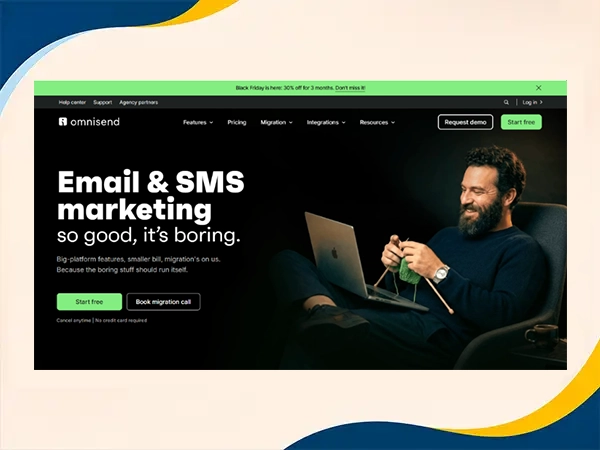
Best for: online stores that want email and SMS in one place.
Omnisend was developed for e-commerce enterprises. It is a highly scalable platform with a large pool of automation capabilities. These capabilities help you maximize your sales pipeline. The platform is friendly because it integrates easily with most e-commerce websites.
For instance, you can integrate it with Shopify and BigCommerce. This software supports multiple channel campaigns like push notifications, SMS, and emails. It provides highly advanced automation capabilities to marketers. Marketers can take advantage of them to launch high-return campaigns.
It can send reminders to complete checkout, confirm orders, and recommend products. Its A/B testing tool tests multiple emails to determine the one that will work best. Non-e-commerce businesses might not find this platform as useful.
4. Marketo

Best for: large enterprises that need lead scoring and detailed workflows.
Marketo is an advanced email marketing automation platform. The software is owned by Adobe. It helps marketers record higher success rates. It is popular among large enterprises that require scalable solutions. Marketers use this platform to create detailed content development and campaign workflows.
It uses AI to trigger posting and response actions based on customer behavior. Marketo is built for lead generation, scoring, and management. It tracks the performance of multiple campaigns and provides reports for insights. Marketers can use the tool to track campaign results and lead trends.
It lets them view conversion, open, and clickthrough rates. The platform integrates with a wide range of platforms, like Salesforce. Beginners may get challenges using this software due to its detailed and complex features.
5. Salesforce Marketing Cloud
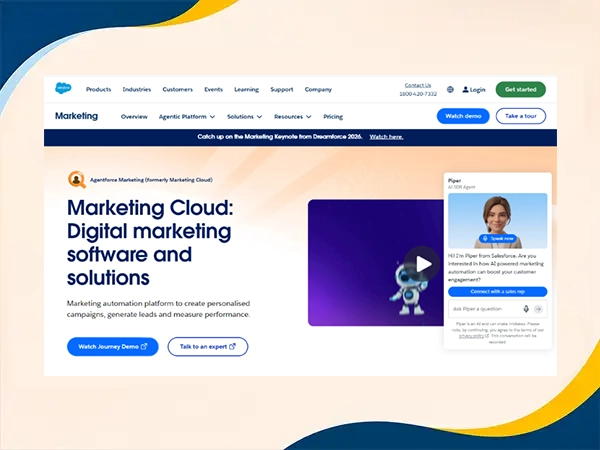
Best for: big brands that market across email, mobile and social media.
Salesforce Marketing Cloud is for companies that market across multiple channels. It provides every feature a marketer might be looking for in automation software. The software is a one-stop automation solution for email workflows. It automates email, mobile, and social media marketing.
One of the key features of this app is journey builder. Its purpose is to create detailed information about customer journeys. It tracks the movement from the time a customer begins to search. The tracking continues to the time they buy. These journeys help brands create the most appropriate messages for each phase.
This tool integrates well with the Salesforce environment. This ensures all data is stored in a centralized place. Its advanced AI analytics features help generate detailed reports. It lets marketers view their bottlenecks and successes.
6. Mailchimp
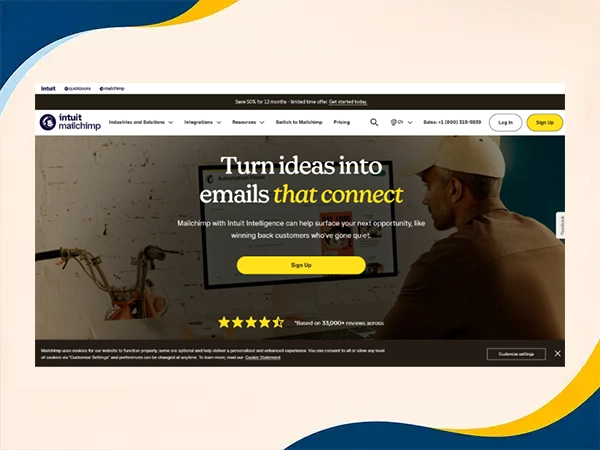
Best for: beginners and small businesses that want a simple start.
Mailchimp is one of the best-known email marketing tools. It has ready-made templates and a drag-and-drop email builder, so you can create a good-looking email in minutes. It also offers basic automation like welcome emails and abandoned cart reminders. The free plan is limited, and costs go up as your contact list grows. It works well for small businesses that do not need very advanced workflows.
7. Brevo
Best for: businesses that want low-cost email and SMS campaigns.
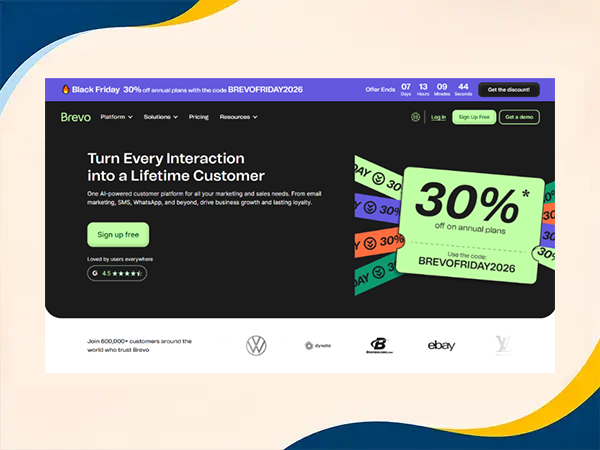
Brevo (earlier called Sendinblue) lets you send emails, SMS and WhatsApp messages from one dashboard. It has automation workflows, contact segmentation and simple reports. The free plan has a daily sending limit, and paid plans are budget-friendly. It is a good pick for small teams that want to run more than one channel without paying a lot.
8. ActiveCampaign
Best for: teams that want advanced automation with a built-in CRM.
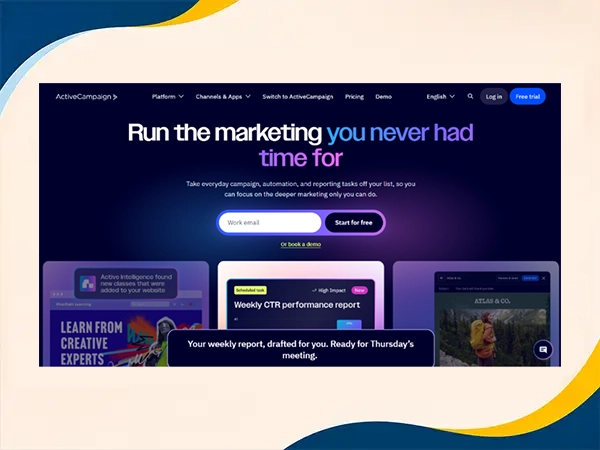
ActiveCampaign is known for its strong automation. You can build workflows that send messages based on what a contact clicks, buys or ignores. It also has a built-in CRM, lead scoring and detailed segmentation. It takes a little time to learn, and there is no permanent free plan, only a free trial. It suits growing businesses that want personalized campaigns.
How to Choose the Right Email Marketing Automation Tool on Mac
Before you pick a tool, check these 4 things:
- Budget: Check the price for your list size, not just the starting price.
- Ease of use: If your team is new to email marketing, start with an easy tool like Mailchimp or Constant Contact.
- Integrations: Make sure it connects with your website, store or CRM.
- Support: Pick a tool with a support team that is available when you need help.
Keep in mind for Mac users: Apple Mail Privacy Protection hides real open data for many Mac and iPhone users. So don’t judge your campaigns by open rate alone. Track clicks and conversions too.
Conclusion
Email marketing software provides multiple features for Mac users. They provide automation, analytics, and integration features. Mac users should choose the tools based on the list of features and prices. The developers should be available to offer support when needed. Using these tools boosts your email workflows, returns, and experience. If you want help setting up marketing automation for your business, our team can do it for you.
FAQs
Do email marketing automation tools work on Mac?
Yes. Most of these tools run in the browser, so they work on any Mac, including MacBook Air and MacBook Pro.
Which is the best email marketing automation tool for Mac beginners?
Mailchimp and Constant Contact are the easiest to start with because they have simple builders and ready templates.
Is there a free email automation tool for Mac?
Yes. Mailchimp, Brevo, GetResponse and Omnisend have free plans, but the limits change, so check their pricing pages.
Which tool is best for online stores?
Omnisend. It connects easily with Shopify and BigCommerce and supports email and SMS.